Instructions:
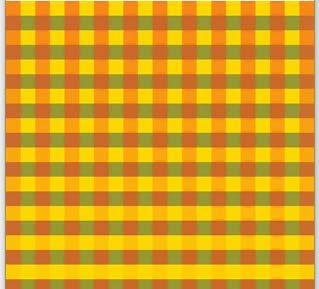
Based on what you have learned about looping, you are to create a pattern that incorporates at least 3 primitive shapes. I will demonstrate a few at beginning of class and share some screenshots of my examples in a PowerPoint file. You're also likely to get some design inspiration by doing a quick Google Image search for “geometric patterns”.
Then recalling what you learned about Boolean variables in Chapter 5, program your sketch so that when the user clicks a button, an additional overlay will appear on top of your pattern. (See example 5-5.)